
💡For definitions of terminology used throughout the product guide articles, click here.
If your company is not using SSO (Entra, Okta, etc) and you have not updated your password after December 18th, you will automatically be sent an email to reset your password after entering your email on the Mapistry sign-in page.
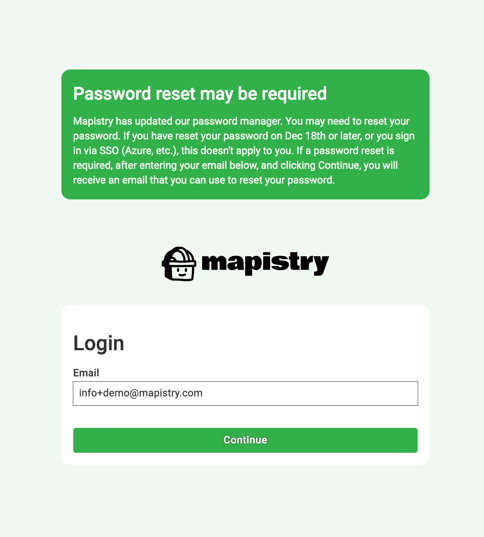
If you need to reset a password, after entering your email you will reach a screen similar to the one below where you can click "Forgot Password"
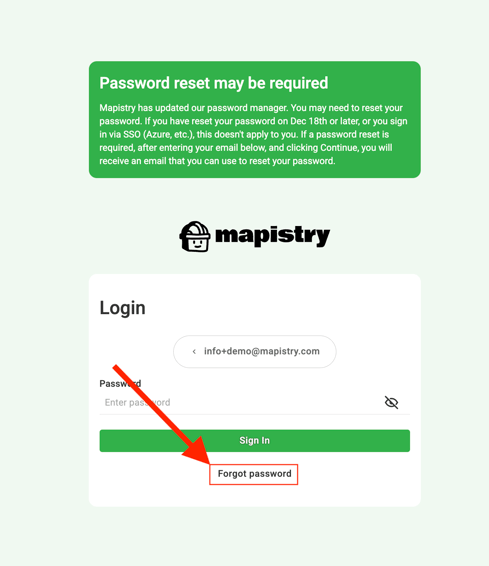
After clicking "Forgot Password", you will see a screen
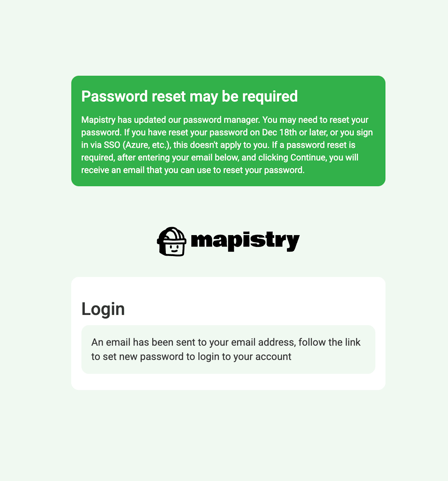
You will then receive an email containing instructions on how to reset your password.
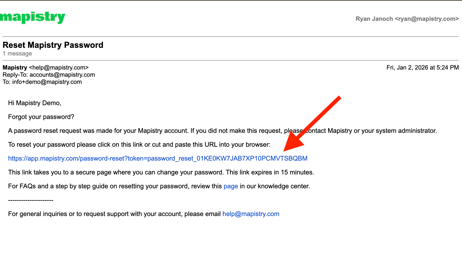
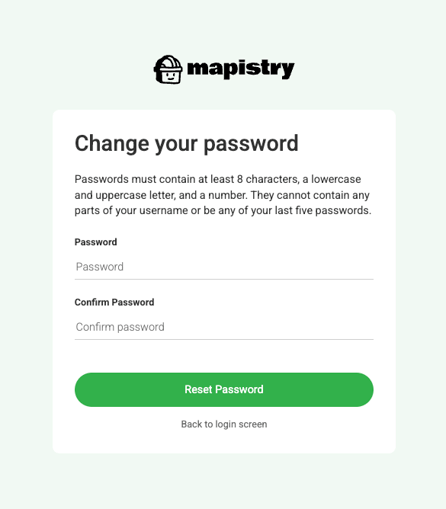
Clicking on the link will take you to the password creation page, where passwords must contain at least 8 characters, a lowercase and uppercase letter, and a number. They cannot contain any parts of your username or be any of your last five passwords.
A success message will show after you set your new password and you can login with your email and new password.
If you don't receive this email, or if you encounter any issues, please reach out to help@mapistry.com.